
Effortlessly Remove Watermark from Video with AI
Clean your videos instantly and enjoy watermark-free content for sharing or editing. Use our AI watermark eraser to remove watermark from video effortlessly.

how to use
Learn How to Use video watermark remover in 3 Simple Steps
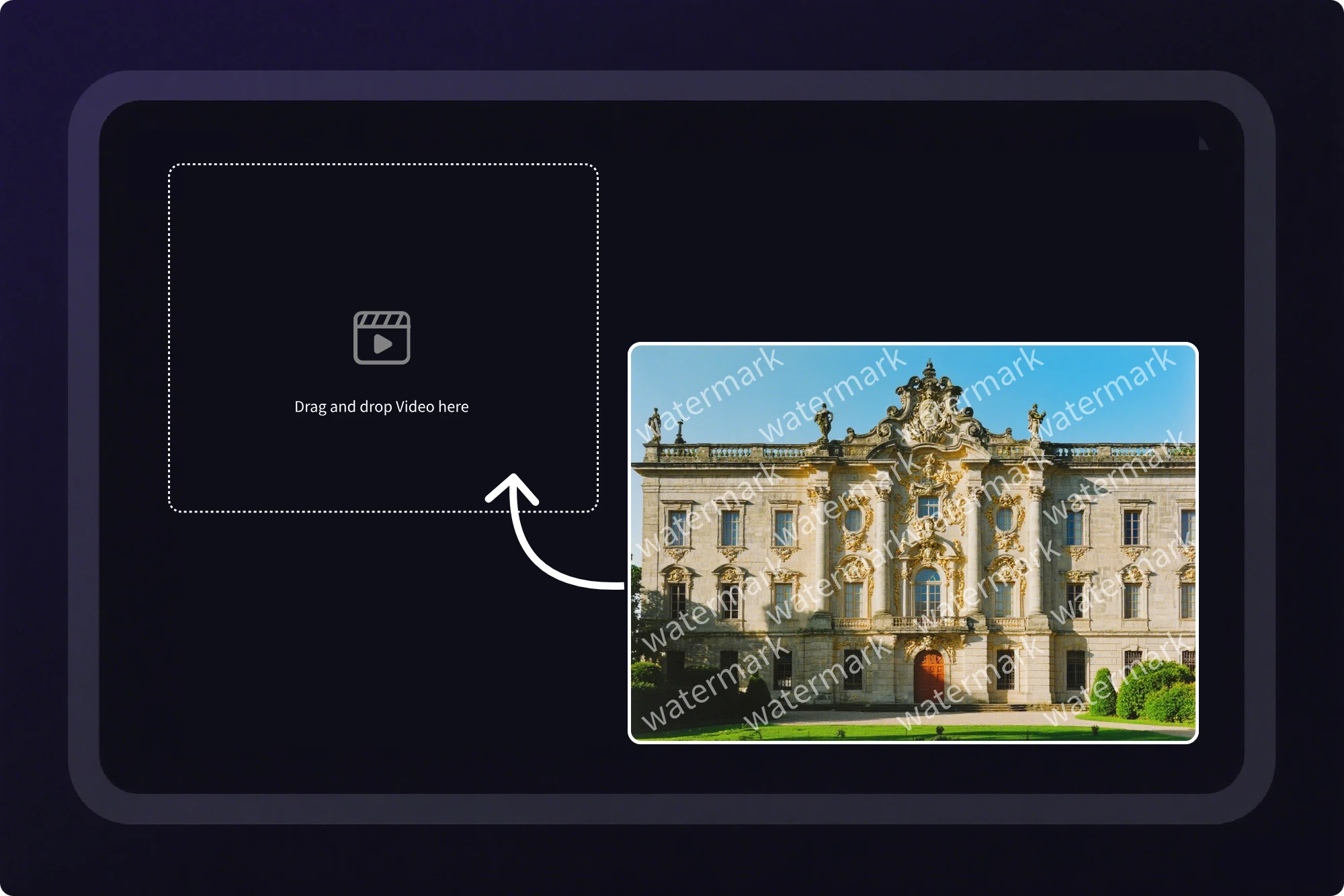
Step 1 Upload Your Video
Select your video with a watermark and drag it into our AI video watermark remover.
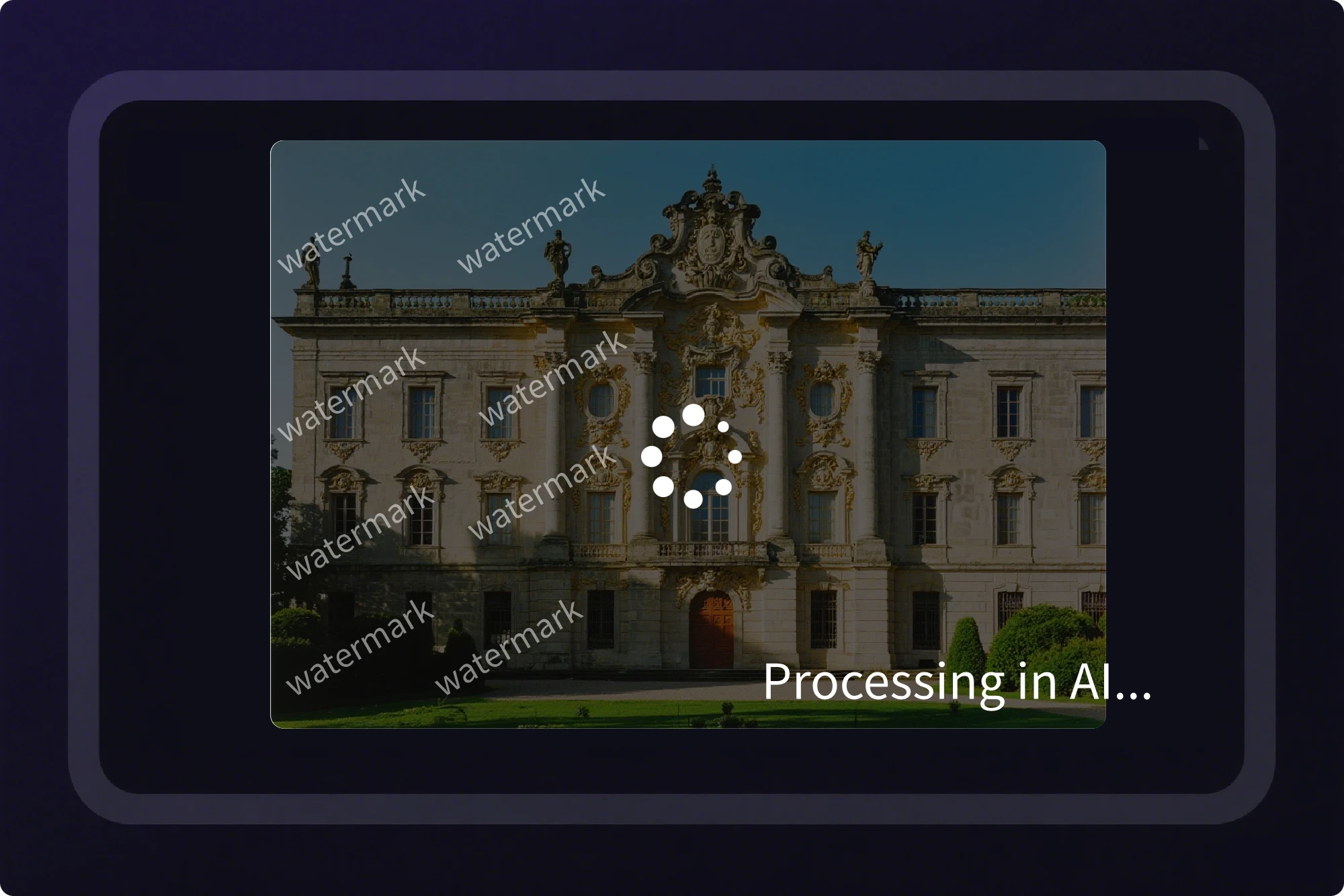
Step 2 Click Generate
The AI detects the watermark and removes it automatically. You can delete watermark from video or use our watermark eraser for multiple marks.
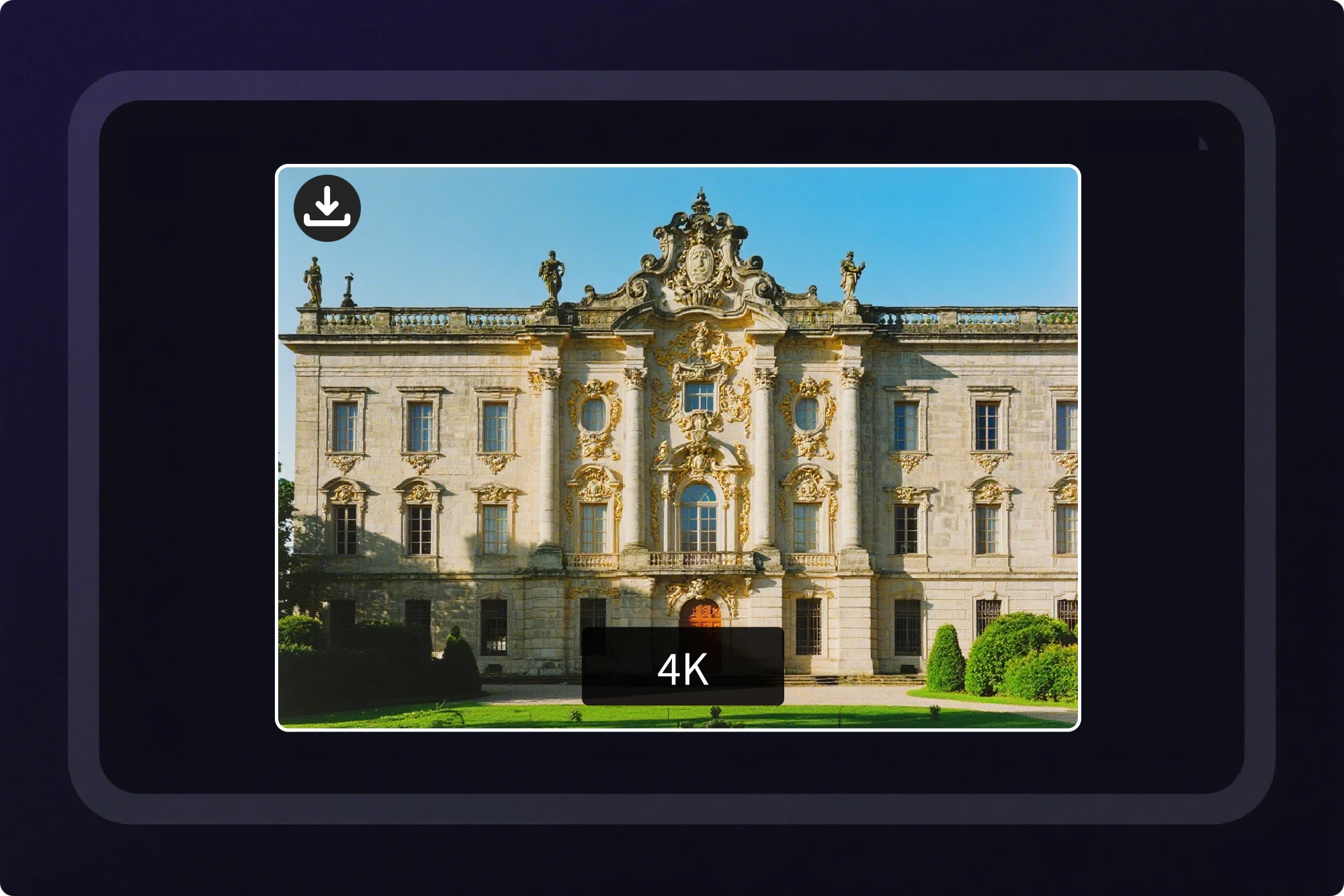
Step 3 Download Your Clean Video
Preview and download your watermark-free video instantly. Now you can share or edit videos without distractions.
use case
Discover Creative Ways to Free Remove Watermark from Video
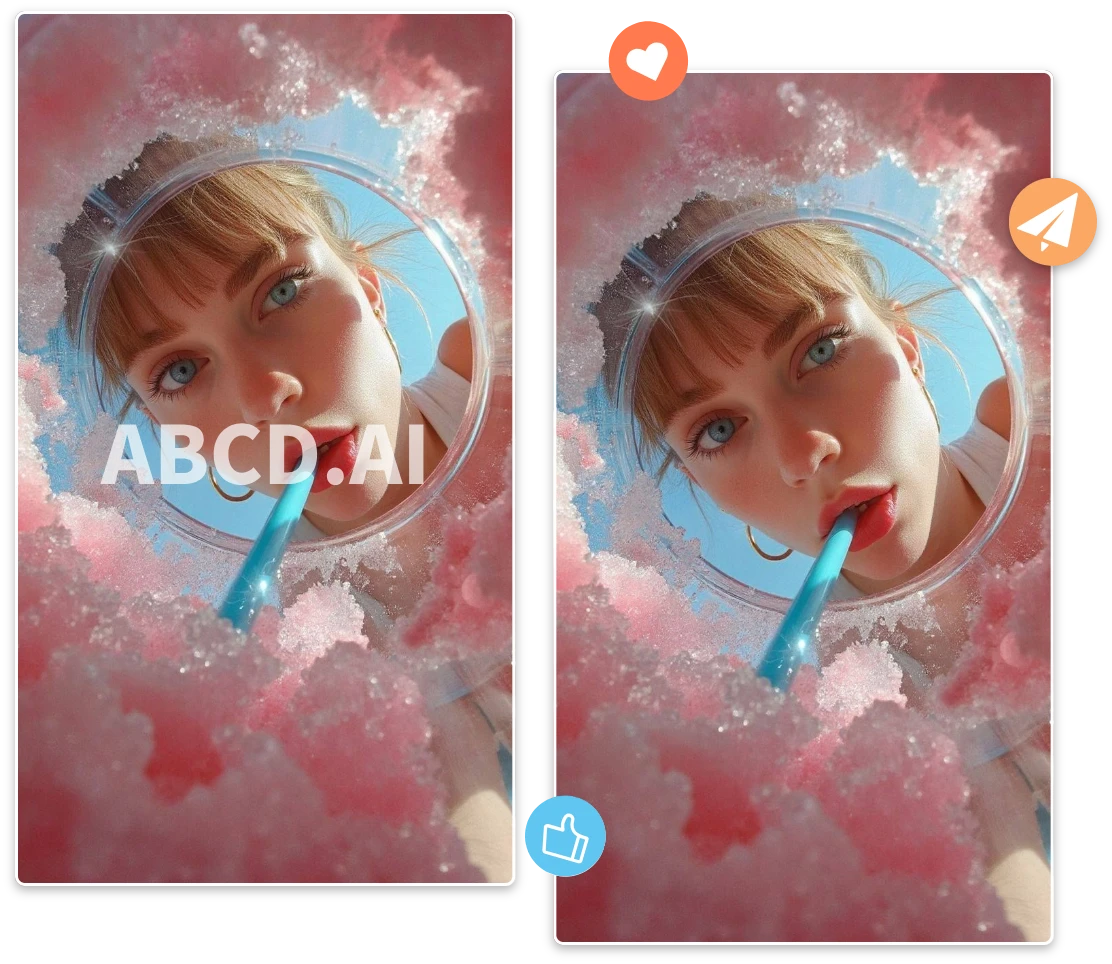


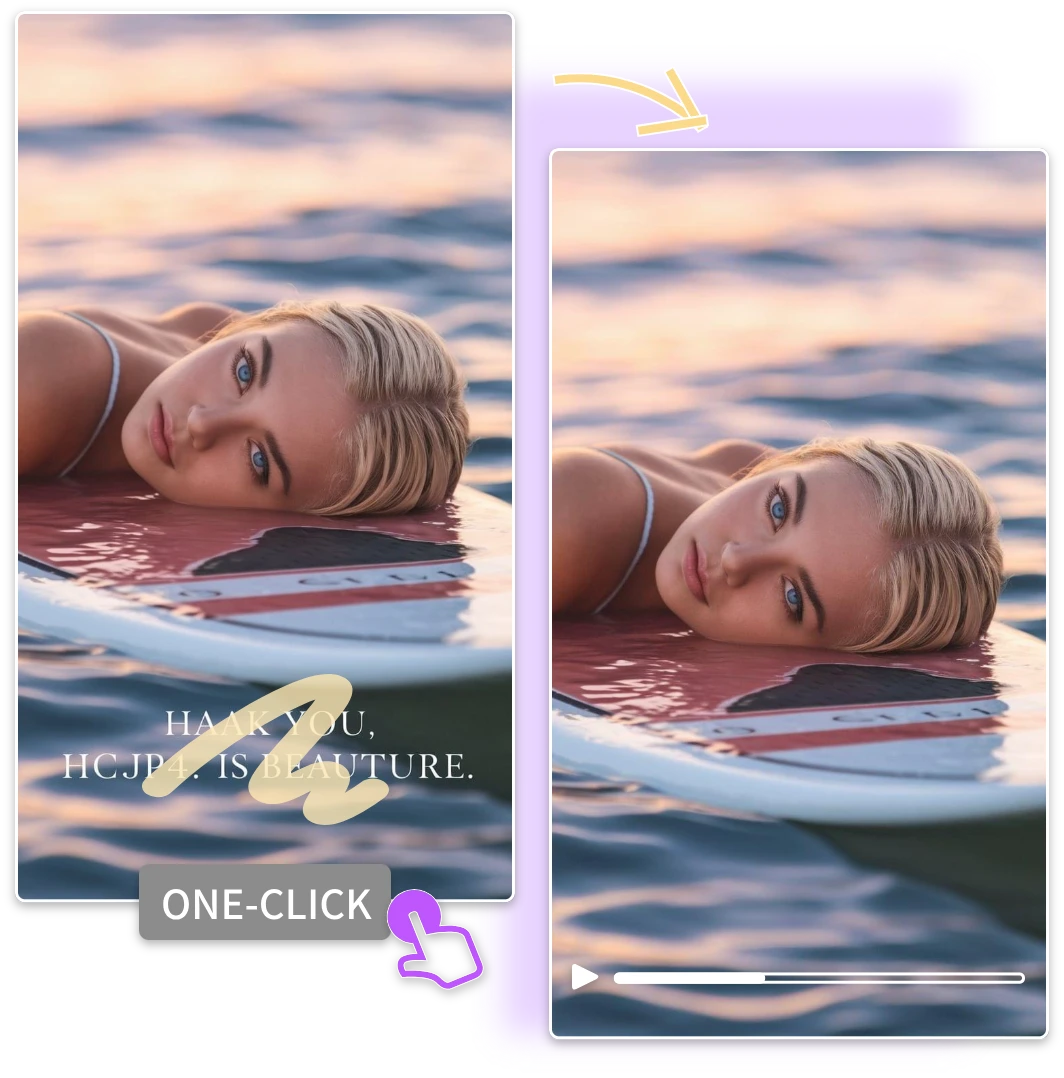
Remove Watermark from Video of Family Moments
Keep your personal moments pure. Remove watermark from video of family events or travel clips easily and share them beautifully with our watermark eraser.
features
Explore Powerful Features of video watermark remover
01
Delete Watermark Instantly
Remove watermark from video quickly using AI. This feature allows you to delete watermark effortlessly.
02
Preserve Original Video Quality
Keep HD resolution intact. Using our watermark eraser ensures removing watermark from video doesn’t reduce clarity or color.
03
Support All Video Formats
Whether MP4, MOV, AVI, or others, you can remove watermark from video with no compatibility issues.
04
Safe & Secure Processing
All videos are processed securely. Our AI video watermark remover protects your content while efficiently removing watermarks.
05
User-Friendly Interface
Easily remove watermark from video without technical skills. Our tool makes watermark eraser simple and intuitive.
06
Fast & Efficient AI Technology
Leverage AI to remove watermark from video quickly. Use video watermark remover without compromising quality or detail.
Frequently Asked Questions
What is a video watermark remover?
A video watermark remover is a tool that helps you remove watermark from video easily. It eliminates logos, text, or stamps while keeping the original quality, making your video clean and ready for personal or professional use.
How does a video watermark remover work?
A video watermark remover works by analyzing frames and blending the background to remove watermark from video. Advanced tools use AI to fill the area naturally, ensuring the video looks seamless without visible edits or distortions.
What video formats are supported?
Most video watermark remover tools support MP4, MOV, AVI, and WebM formats. You can use them to remove watermark from video on common platforms without converting files, ensuring smooth processing for both HD and standard-quality videos.
Can I remove a watermark from TikTok or Instagram videos?
Yes. A reliable tool can remove watermark from video from popular platforms like TikTok & Instagram. AI-powered removers ensure that the original video remains clear and the watermark disappears seamlessly.
Will removing the watermark lower the video quality?
No, professional tools are designed to remove watermark from video while keeping the original quality intact. AI algorithms intelligently reconstruct the background, preserving sharpness, color, and details without noticeable quality loss.
Is it legal to remove watermarks from videos?
Removing a watermark from video may violate copyright laws if used without permission. Always ensure you have rights or consent from the creator before using a video watermark remover for commercial purposes.
Real Users Share Their Experience with Our Watermark Eraser
This AI tool is amazing! I can delete watermark from video fast and easily. The watermark eraser works perfectly.

Sarah L.
I learned how to remove watermark from video effortlessly. Free remove watermark from video feature saved me hours!

David M.
My old family videos are now clean. Video watermark remover made it simple to get professional results.

Priya K.
Use the Best Video Watermark Remover Online
Clean your video in seconds and unlock professional-quality visuals effortlessly.