
How to Use Online AI Clothes Changer in 3 Simple Steps
Change your outfit with AI in just a few clicks. Upload a photo, describe your desired look, and get a fresh outfit image in seconds.
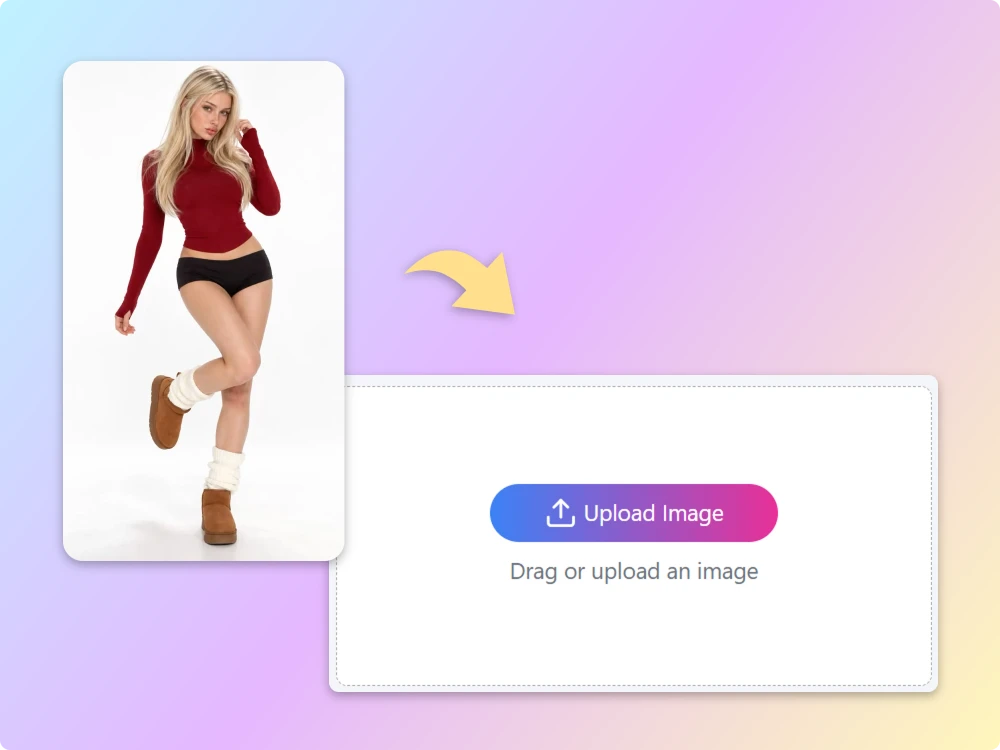
Step 1: Upload Your Photo
Choose a clear, well-lit photo of yourself or another person. Full-body or half-body portraits with visible clothing work best for accurate AI outfit changes.
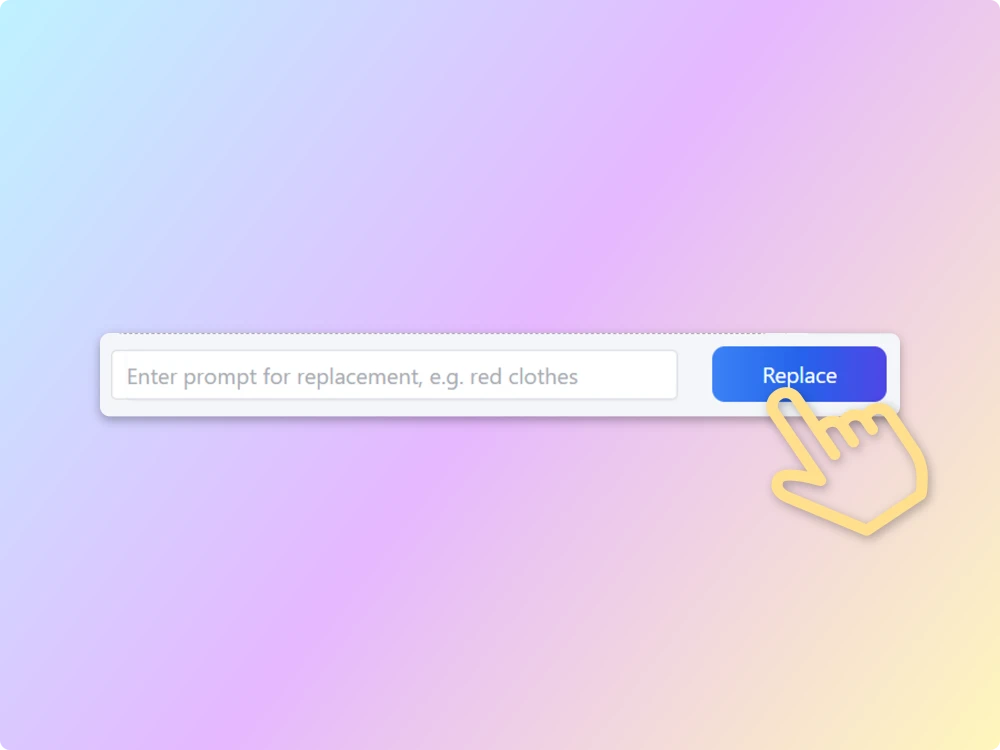
Step 2: Describe Your New Outfit
Enter a detailed text prompt describing the clothes, colors, materials, and style you want. Be specific to help the AI clothes changer create the look you have in mind.
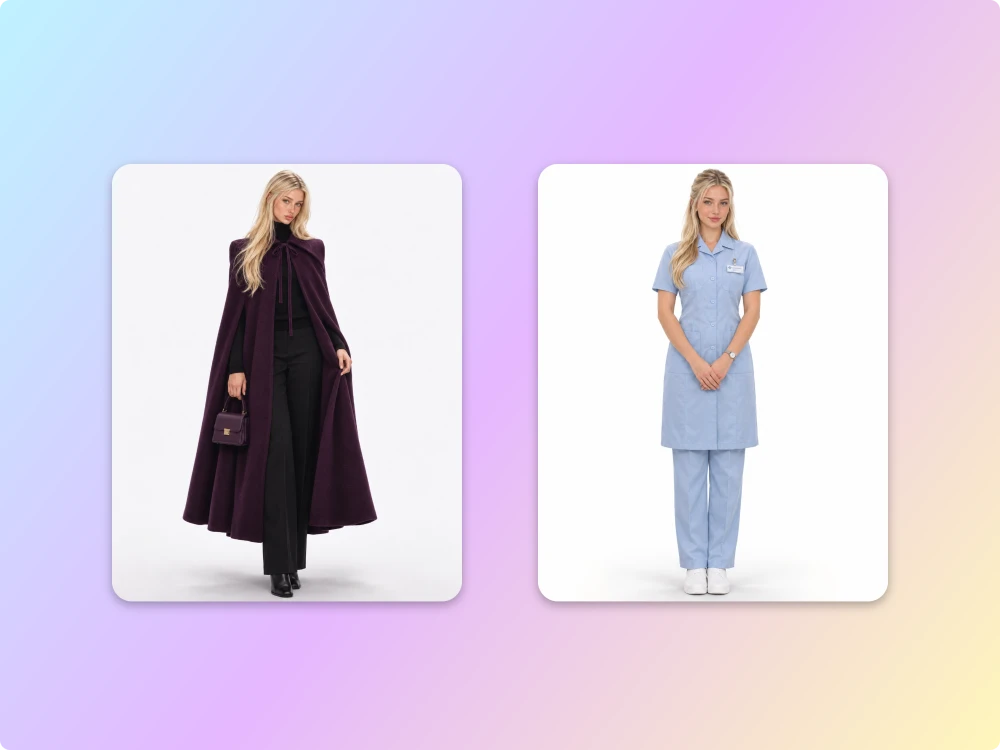
Step 3: Generate and Download Your Look
Click Generate and let AI transform your outfit while preserving your original pose and proportions. Your new image is typically ready in seconds, so you can preview and download it.
Why Choose Our AI Clothes Changer for Effortless Outfit Transformations?
Natural-Looking AI Outfit Transformations
Change clothes without changing the person. Our AI clothing changer is designed to preserve the original body shape, pose, and lighting for more natural-looking outfit transformations.
Fast AI-Powered Generation
No need to spend time on complicated edits. Simply upload your photo, enter an outfit prompt, and let our AI clothing changer create your new look with minimal waiting.
Try Our Free AI Clothes Changer
Explore AI-powered outfit transformations with free starter credits. Experiment with different clothing styles, test your prompts, and discover what’s possible before purchasing additional credits.
Flexible Image Format Support
Upload images in multiple supported formats and start creating without unnecessary file conversions. Simply choose your photo and move straight into the AI outfit editing process.
Download AI Outfit Swaps Without Watermarks
Keep your generated outfit images clean and ready to use. Download watermark-free results for personal projects, social media posts, and creative content without distracting branding.
Privacy-Conscious Image Processing
Your personal photos deserve careful handling. ImageToVideo AI prioritizes privacy throughout the editing experience, helping you create new looks with greater confidence and peace of mind.
use case
What Can You Create with a Free AI Clothes Changer?
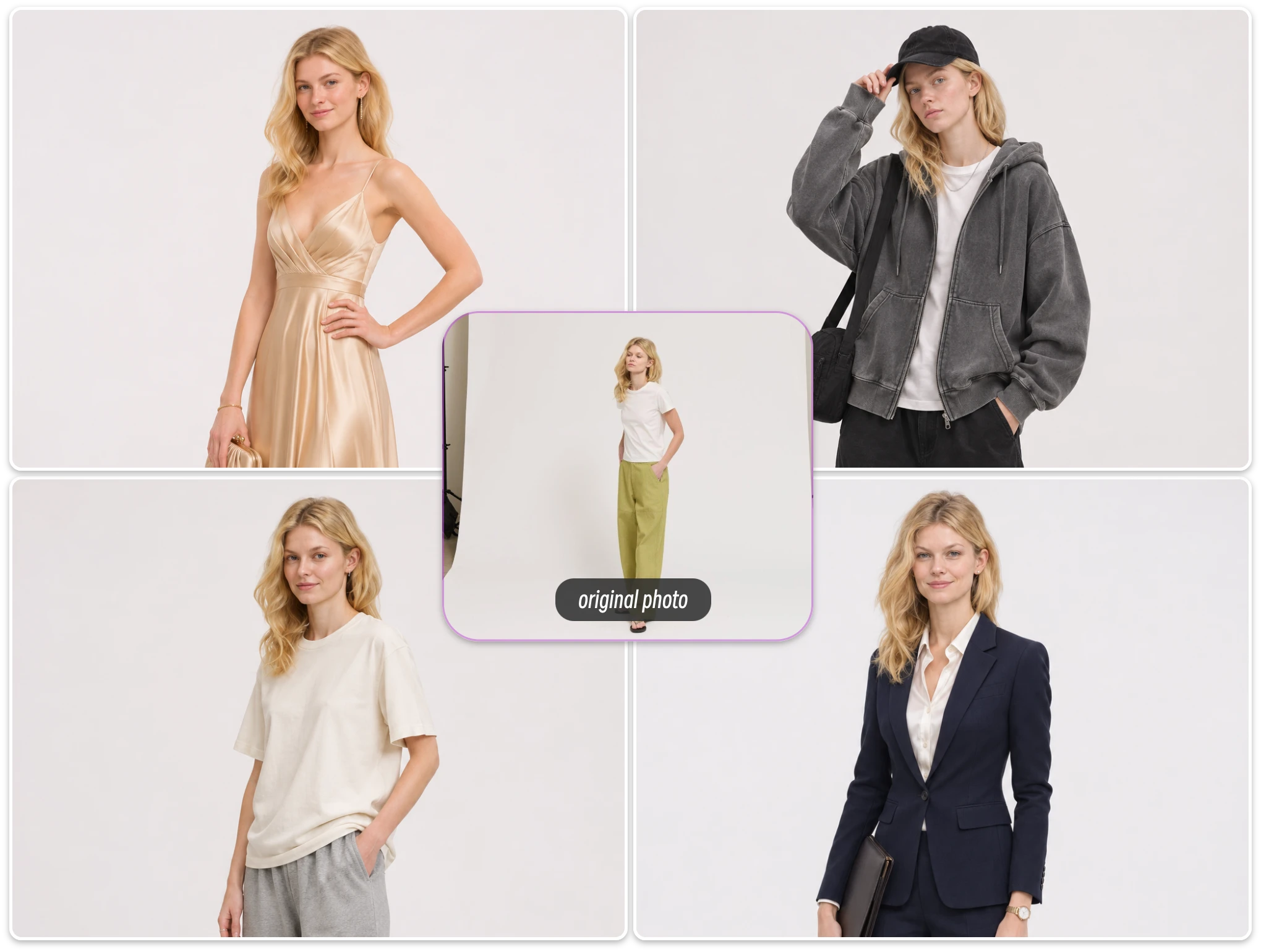
Explore New Looks with a Free AI Clothes Changer
Experiment with different looks without opening your wardrobe. Use an AI clothes changer to explore colors, fabrics, silhouettes, and fashion aesthetics. Whether you’re imagining an elegant evening dress or relaxed streetwear, an AI outfit changer makes creative styling easy.
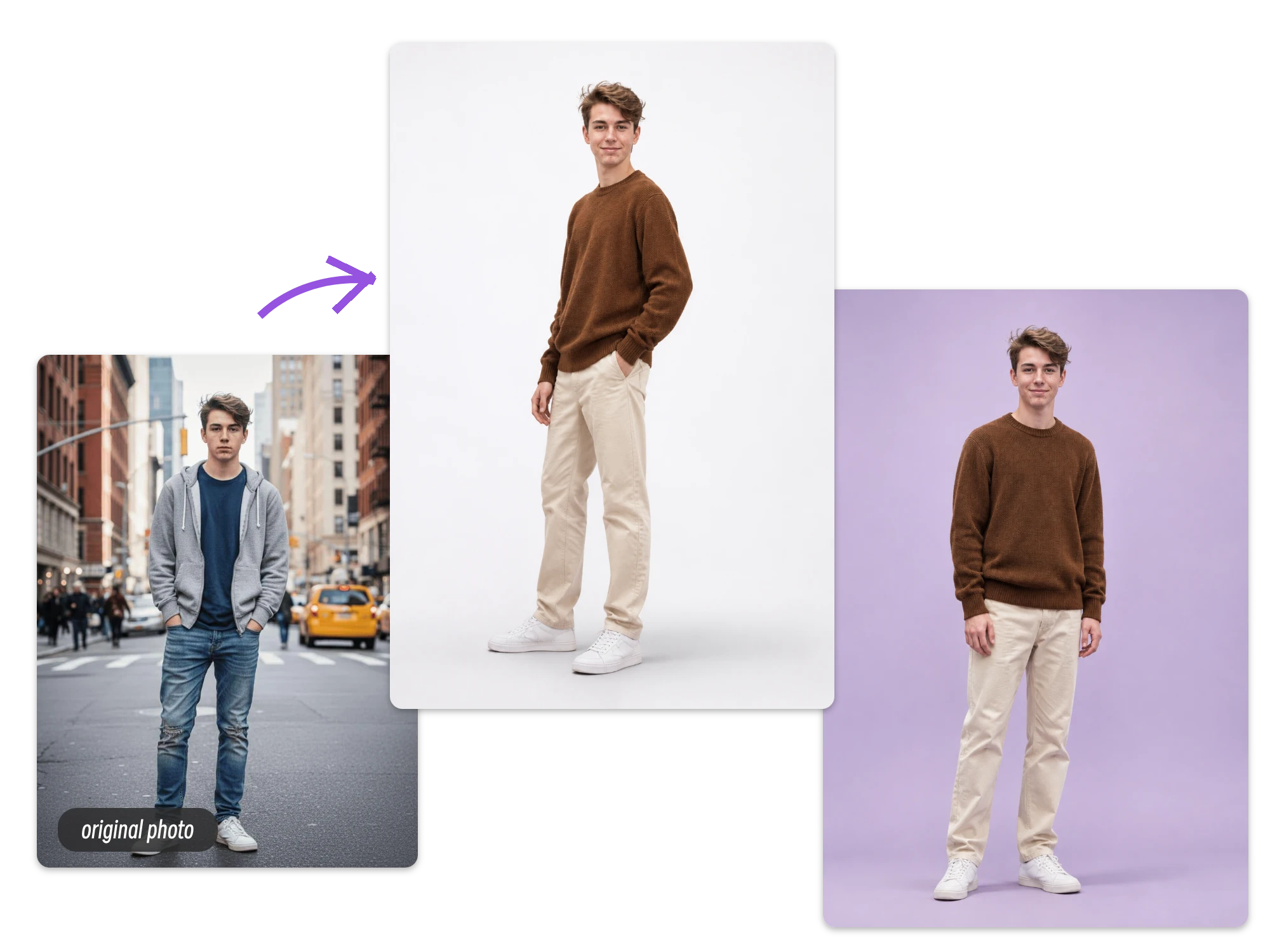
Create Fresh Fashion Visuals for E-Commerce
Create fresh clothing visuals for online stores, product concepts, and retail campaigns. An AI clothes changer helps you visualize different outfit styles on model photos, while an AI clothing changer makes it easier to develop creative directions for fashion catalogs and promotional content.
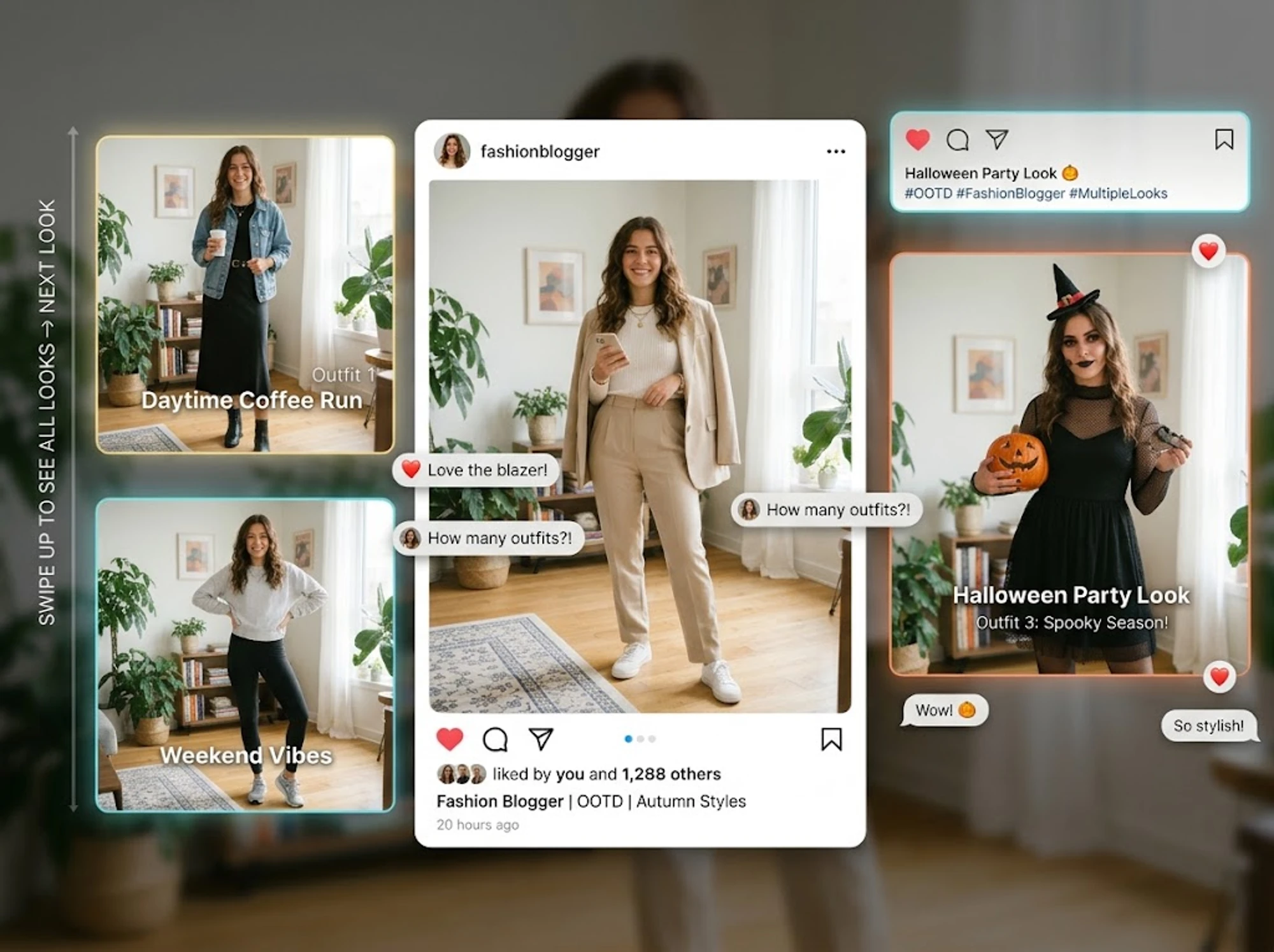
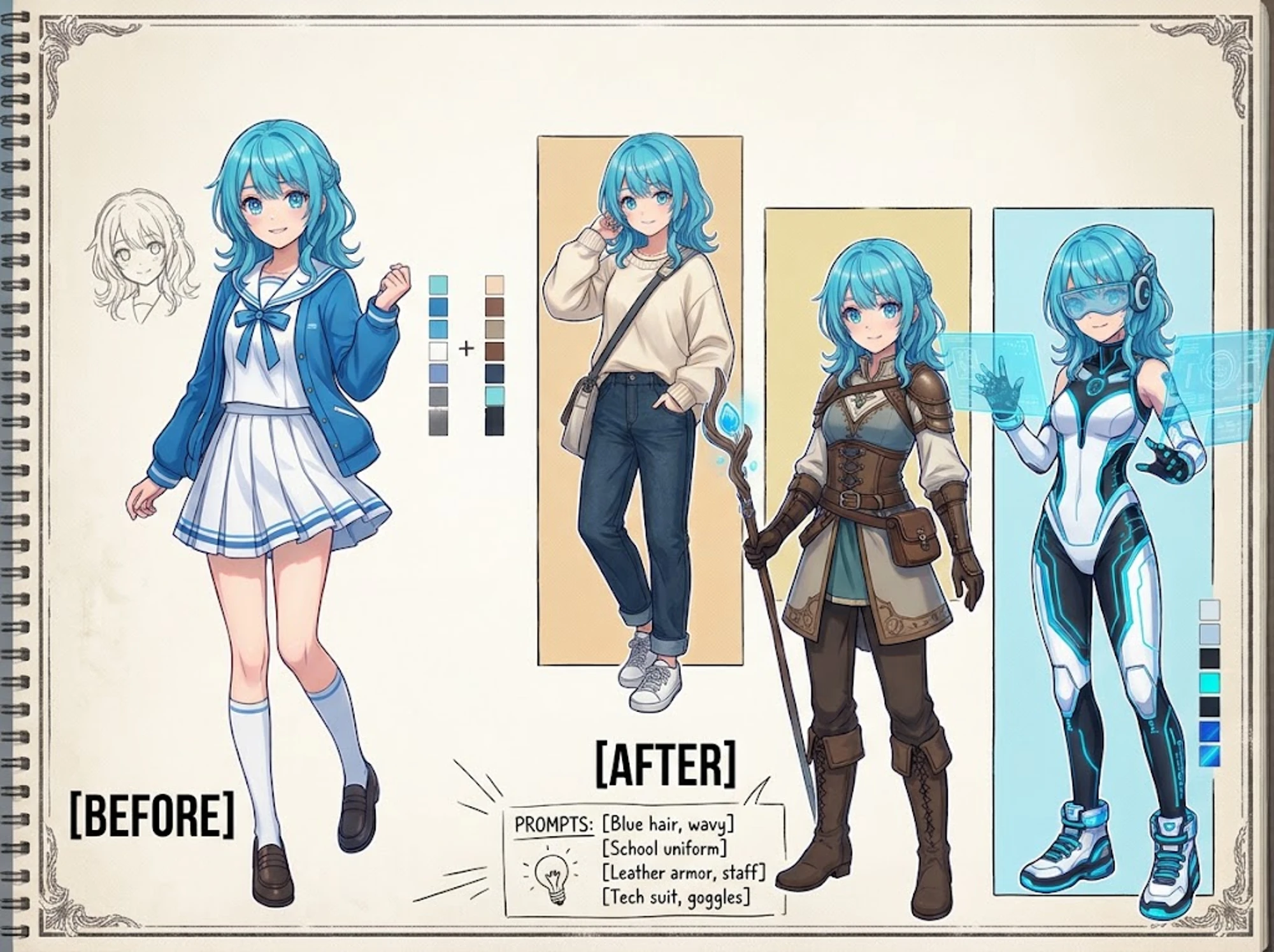
Give Your Comic Characters a Whole New Wardrobe
Tired of redrawing the same character in different outfits? Upload your original character illustration, describe a new look, and let our AI clothing changer do the rest. Comic artists and illustrators can quickly explore alternate outfits, develop character concepts, and bring fresh visual ideas to their stories.
Frequently Asked Questions About AI Clothes Changer
Have questions about changing outfits with AI? Find out how our free AI outfit changer works, how to create custom looks, and what to expect when transforming your photos.
1. What Is an AI Clothes Changer?
An AI clothes changer is an AI-powered photo editing tool that transforms the clothing in an image. Simply upload a person’s photo, describe a new outfit with a text prompt, and generate a fresh look without manually editing the image.
2. How Does an AI Clothes Changer Work?
An AI clothes changer uses artificial intelligence to interpret your uploaded photo and clothing description. It then generates an updated image with the requested outfit while aiming to preserve the original person’s body shape, pose, and lighting.
3. Is There a Free AI Clothes Changer Online?
Yes. ImageToVideo AI offers free starter credits so you can try its AI clothes changer online without an upfront purchase. Use your available credits to experiment with different outfit descriptions and explore the results before purchasing additional credits.
4. How Do I Write a Good AI Outfit Changer Prompt?
Describe the outfit in detail, including clothing types, colors, fabrics, patterns, and overall style. For more consistent results, also mention what should remain unchanged, such as the person’s pose, body shape, and original lighting.
5. Can AI Change Clothes Without Changing the Original Pose?
Yes. Our AI clothes changer is designed to transform the outfit while preserving the original pose, body shape, and lighting. For the best results, start with a clear photo where the person’s clothing and overall silhouette are easy to see.
6. What Photos Work Best for an AI Clothes Swap?
For a better AI clothes swap, upload a sharp, well-lit photo with the person’s clothing clearly visible. Full-body and half-body images are both suitable. Avoid heavily obstructed outfits, blurry details, or photos with poor lighting.
7. Is My Photo Safe When Using ImageToVideo AI?
We take user privacy seriously and prioritize the secure handling of uploaded images. Your photos are processed to provide the requested AI editing experience. For details about data handling and privacy practices, please refer to our Privacy Policy.
One Photo, Endless Looks with AI Clothes Changer Online
Why stick to one outfit when you can explore so many more? With our AI clothes changer, you can turn a simple photo into a fresh new look using just a text prompt. No complicated editing, just your ideas and a little AI creativity.