
AI Dance Video Generator Examples
pet dance
anime dance
kpop dance
twerk dance
How to Create a Dance Video in Three Steps
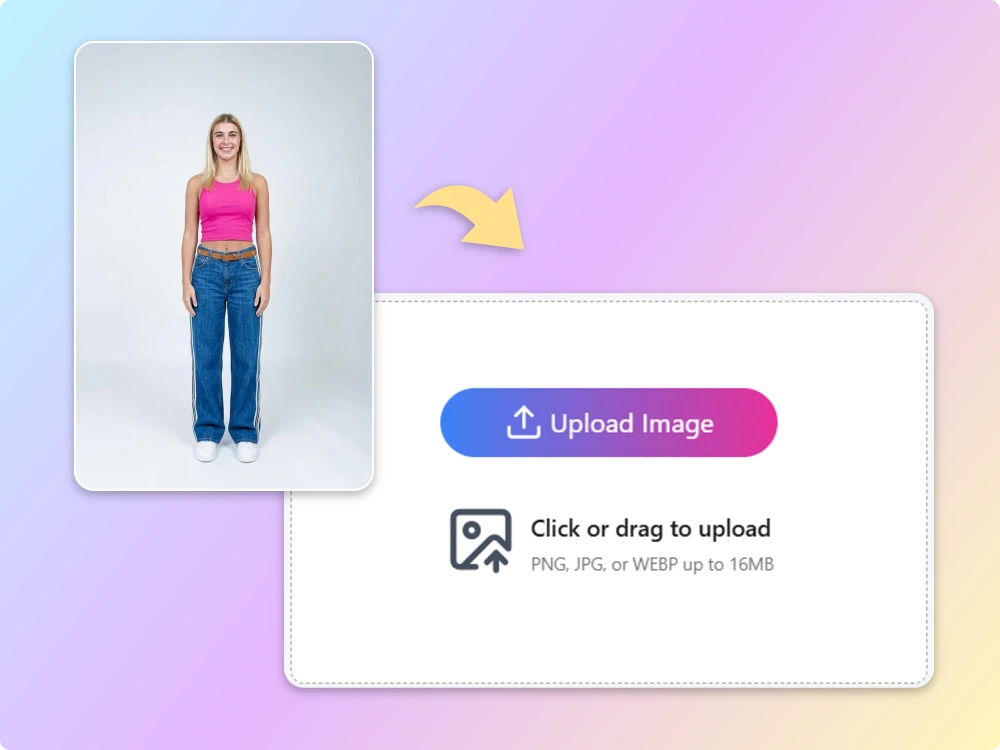
Step 1: Add Your Image
Upload a JPG, PNG, or WEBP photo up to 16 MB. Choose an image where the person, pet, or character is clearly visible. You can use a single-subject portrait or an image featuring several people or characters.
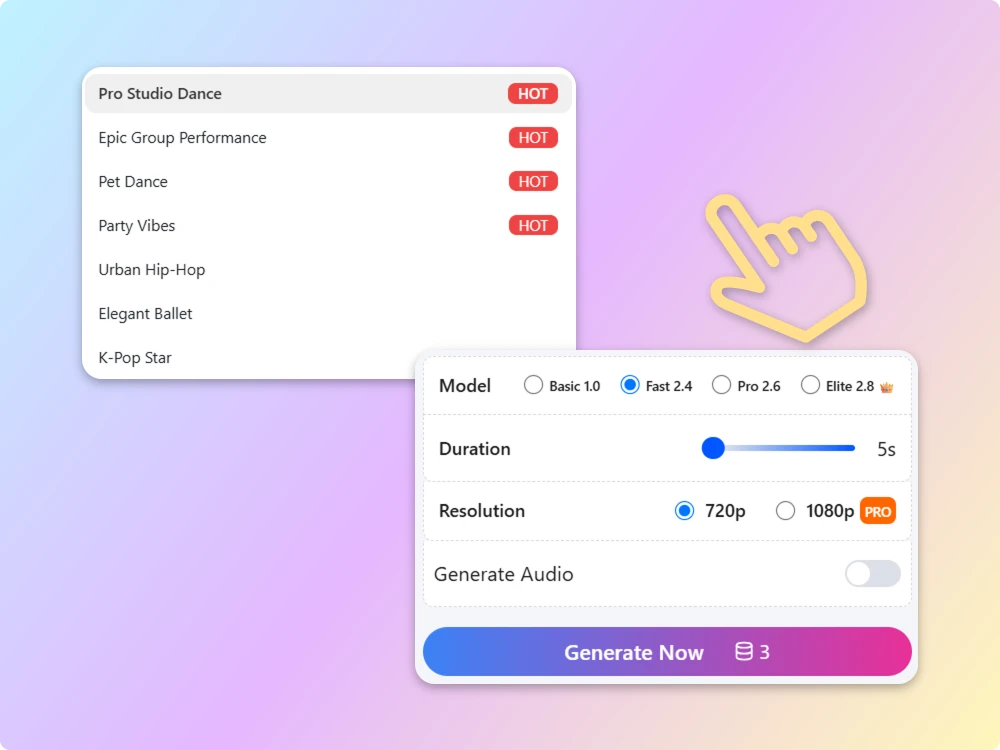
Step 2: Select a Model
Choose from the models available in the generator and review the resolution options before you start. You may also be able to enable generated audio. These controls let you tailor the creation process to your preferred balance of speed and output quality.
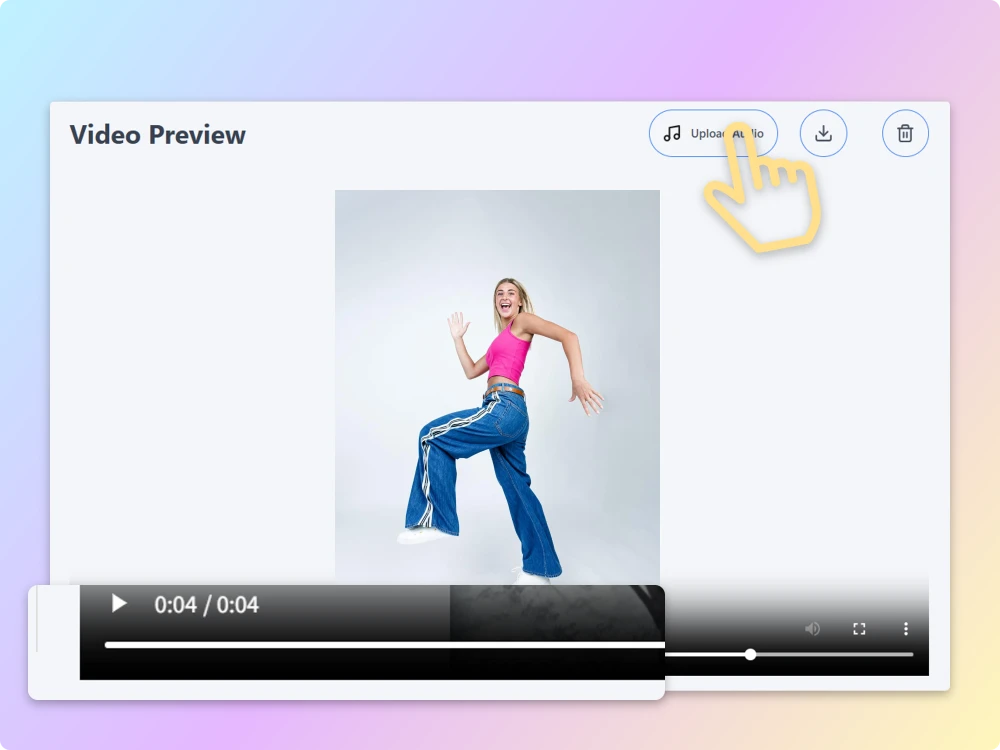
Step 3: Generate and Download
Click Generate Now and let AI animate your photo. When it’s ready, download your result and share it with friends or on social media. The free AI dance generator is a simple way to experiment with animated dance content without filming a performance yourself.
Why Choose Our AI Dance Generator?
Advanced AI Models for Dance Animation
Choose from advanced AI models, including Pro 2.6 and Elite 2.8, to explore different motion styles and video quality. Select the model that best fits your creative needs and available settings.
Create AI Dancing Videos in Minutes
Turn a still image into a dance video in just a few steps. Upload your photo, select your preferred settings, and let our free AI dance generator handle the animation without complicated editing.
Keep Your Subject Recognizable
Animate photos of people, pets, or characters while aiming to retain their recognizable features. Clear source images can help produce more coherent results, although details may change during motion generation.
Free Credits to Get Started
Start creating with the free credits available to your account using our AI dance video maker online. Explore the generator and check which models, resolutions, and features are available before using your credits.
Optional AI-Generated Audio
Enable Generate Audio to add AI-generated audio to your dance video. Our free AI dance generator lets you explore dance video creation and audio generation in one convenient workflow, without relying on a separate audio-editing tool.
Create and Share Dance Videos Online
Download your finished dance clips and share them on social media or with friends. This AI dance video maker turns everyday portraits, pet photos, and creative images into entertaining content for your next post.
Fun Ways to Use an AI Dance Generator
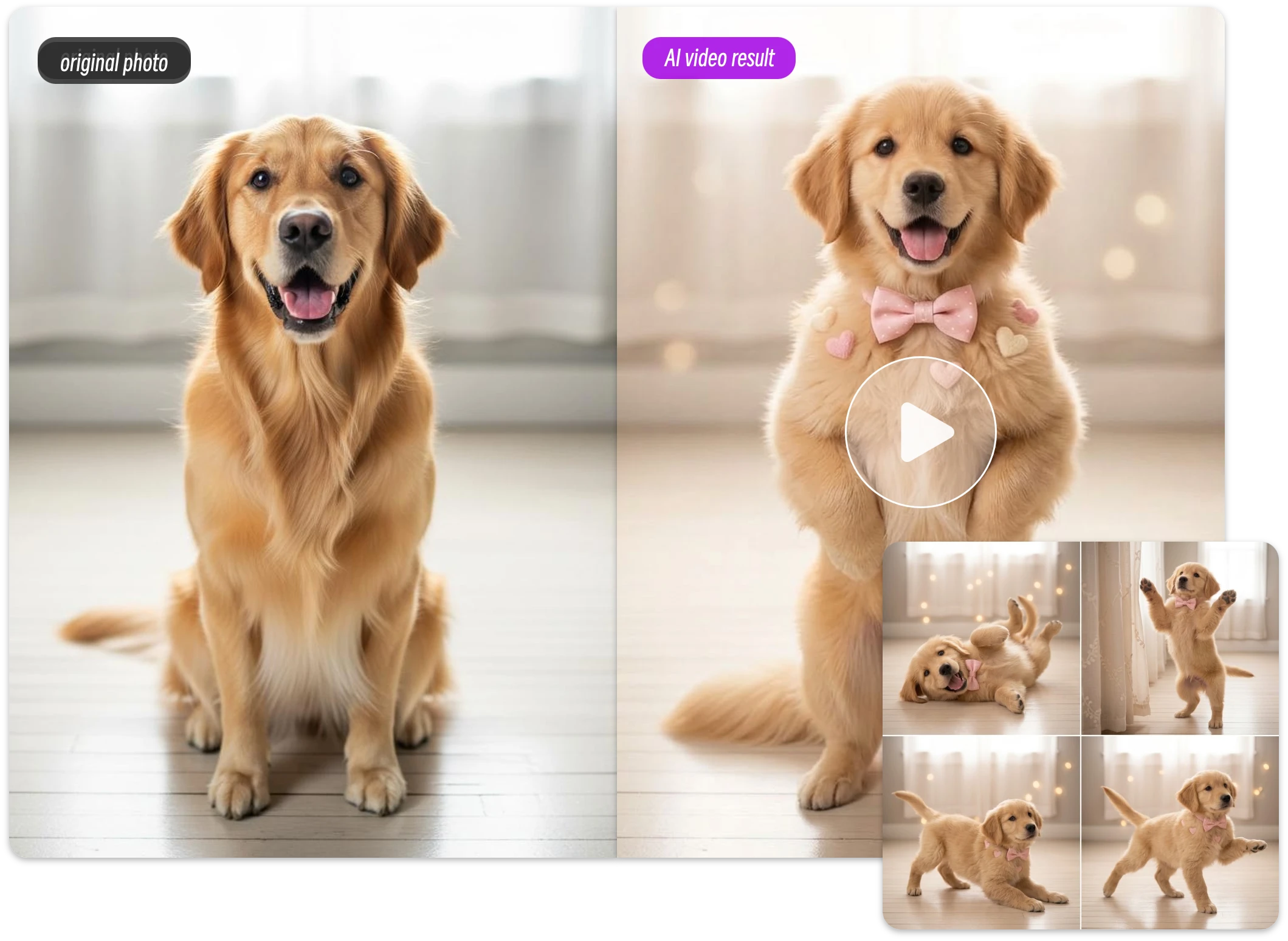
Create Funny Pet Dance Videos
Create more from every great pet photo. Our online AI dance generator transforms static animal portraits into lively dance videos for pet influencers, social media pages, and entertainment accounts.
Turn Portrait Photos into Dance Videos
Bring your portraits to life with a free AI dance video generator. Transform a single-person photo into an engaging dance clip for personal branding, creator content, or social media without filming a new performance.
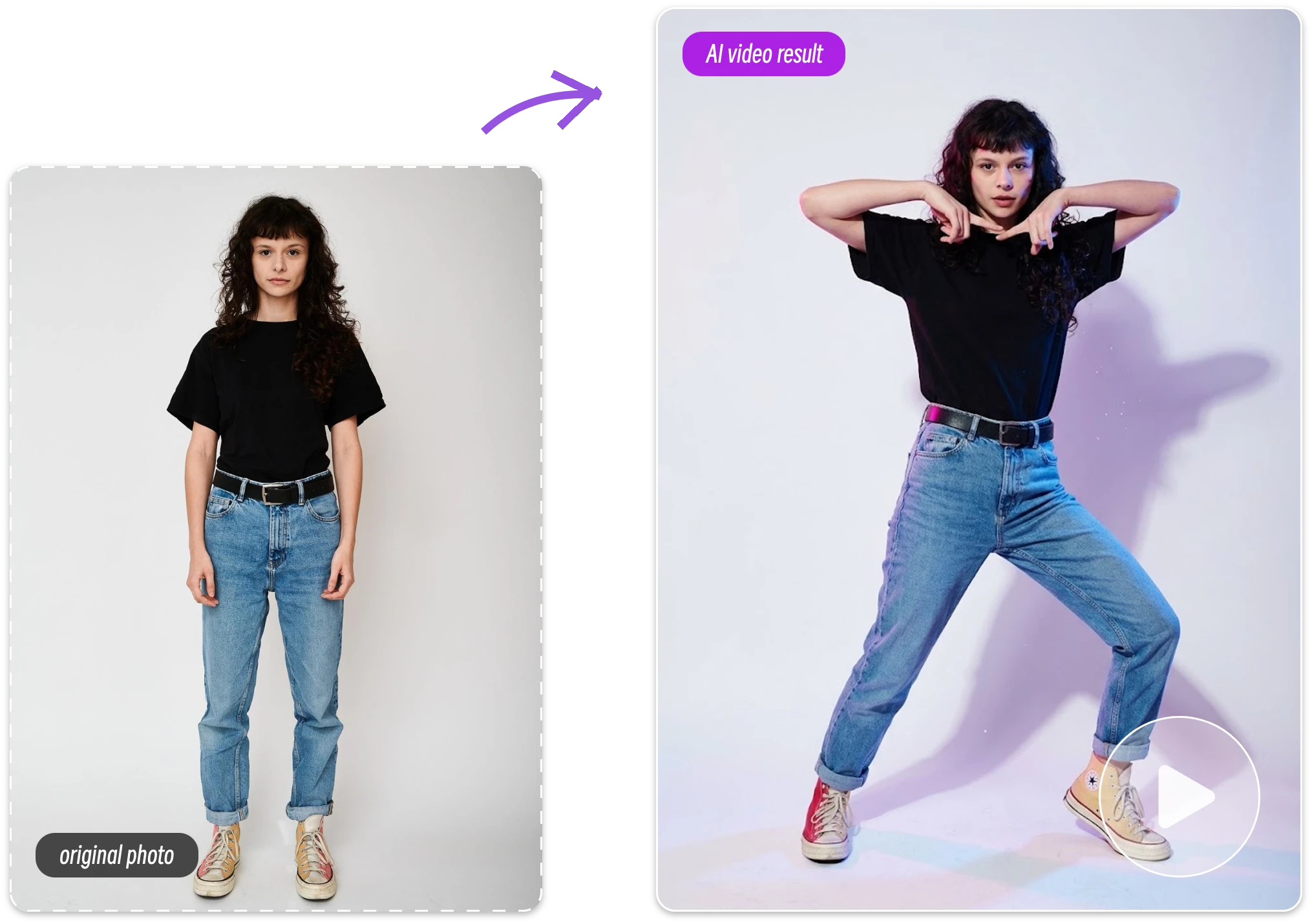
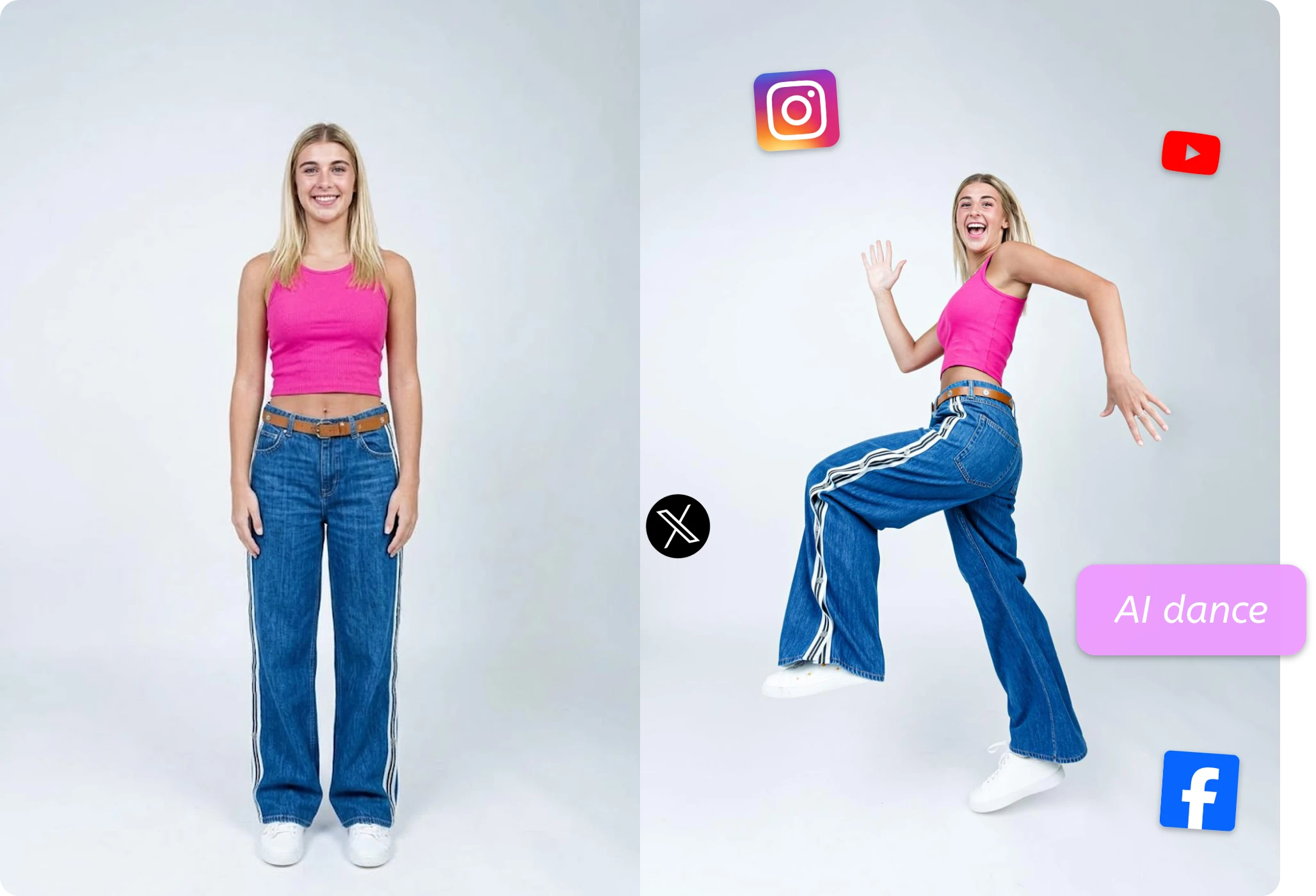
Create Trendy Dance Videos for Social Media
Keep your content fresh with an AI dance generator that turns character portraits and creative images into trend-inspired dance clips. Explore K-pop moves, viral dance styles, and short-form video ideas for TikTok, Reels, and other social platforms.
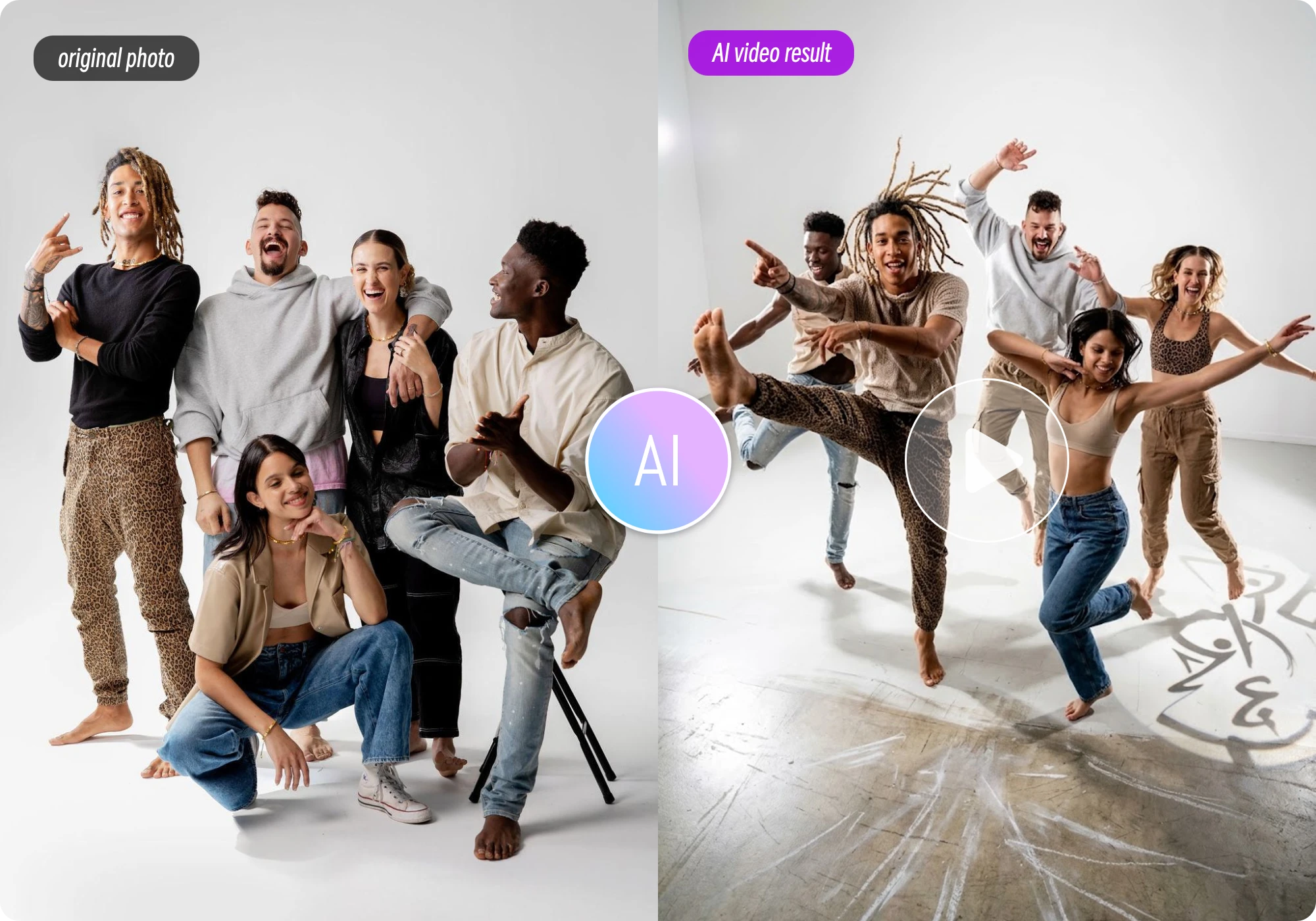
Turn Group Photos into AI Dancing Videos
Make group photos more interactive with an AI dance video maker. Turn team pictures, friendship photos, or event snapshots into entertaining video content for celebrations, community posts, and personalized digital greetings.
Frequently Asked Questions About AI Dance Video Generator
Everything you need to know about turning photos into dance videos.
1. What Is an AI Dance Generator?
An AI dance generator turns a still photo of a person, pet, or character into an animated dance video. Upload your image, choose the available settings, and let AI bring your subject to life without filming a performance.
2. Is This AI Dance Video Generator Free to Use?
Our free AI dance video generator lets you get started with the credits available to your account. Generation limits, premium models, and higher-resolution options may depend on your remaining credits and subscription plan.
3. What Kind of Photo Works Best for AI Dance Videos?
Use a sharp, well-lit photo with the subject clearly visible. Full-body images and uncluttered backgrounds help AI generate more natural dance movements. Avoid blurry photos or poses where the subject’s limbs are difficult to distinguish.
4. What Image Formats Can I Upload to the AI Dance Generator?
You can upload JPG, PNG, or WEBP images up to 16 MB. For better results, choose a clear, high-quality photo with a recognizable subject and minimal visual obstruction.
5. How Long Does an AI Dance Video Take to Generate?
Generation time depends on the selected model, video settings, and current processing demand. Some clips finish quickly, while advanced models may take longer. Check the tool for your generation status.
6. Will My AI Dance Video Have a Watermark?
No. Your AI dance videos are exported without a watermark, so you can download and share clean, professional-looking clips on social media or use them in your creative projects.
7. Can I Share AI Dance Videos on TikTok and Instagram?
Yes. An online AI dance generator lets you create clips for TikTok, Instagram Reels, and YouTube Shorts. Download your finished video and ensure you have permission to use the people and images featured in it.
8. Does an AI Dance Generator Change the Original Face or Outfit?
AI-generated motion can sometimes alter facial details, clothing edges, or body proportions between frames. A clear source image can help preserve the subject’s appearance, but results vary by model. Always review the finished video before sharing or publishing it.
Ready to Make Your Photo Dance?
Turn a still image into an entertaining dance clip in just a few steps. Try a free AI dance video generator from photo, explore the available settings, and create a video that is ready to share.