
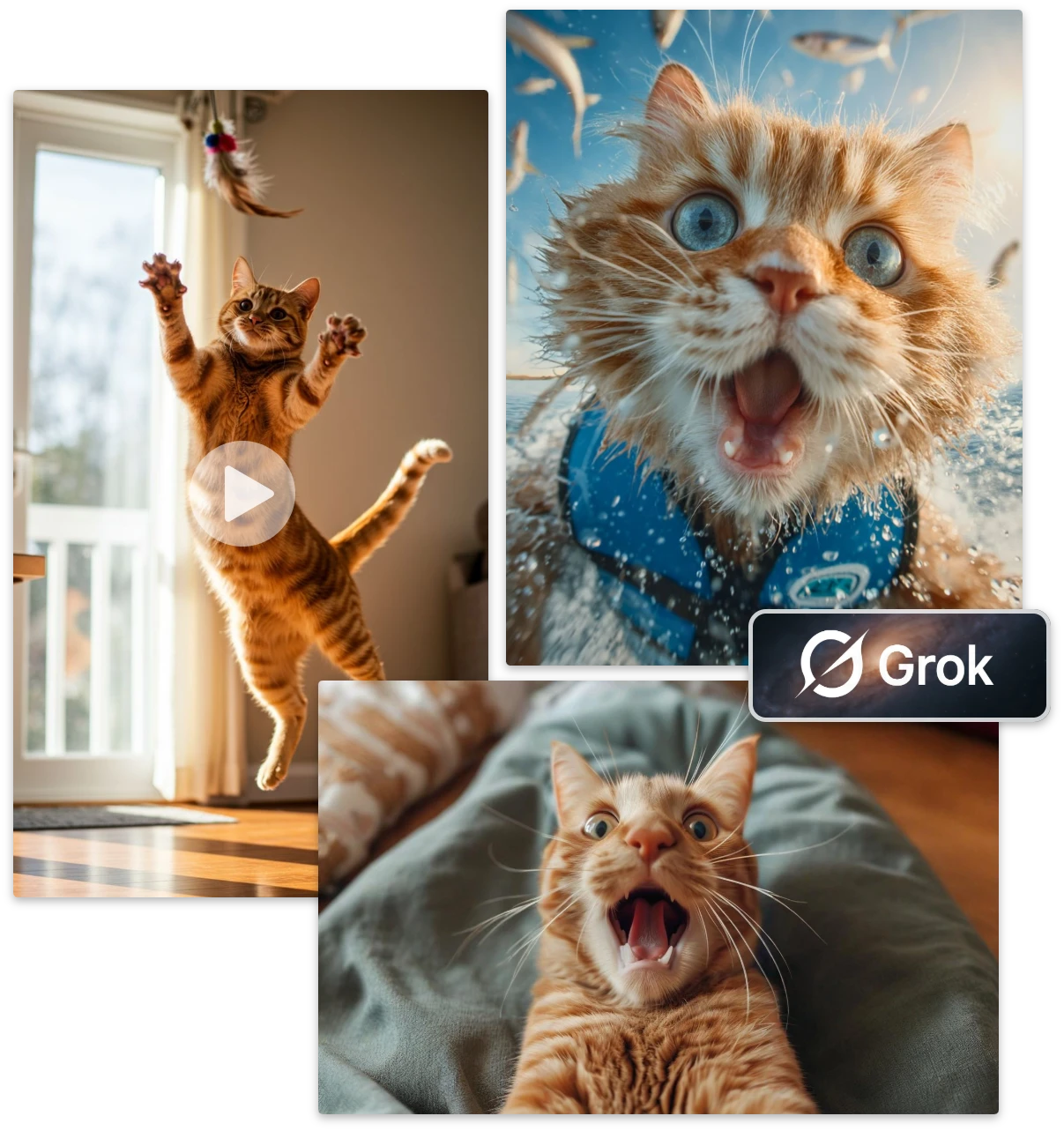
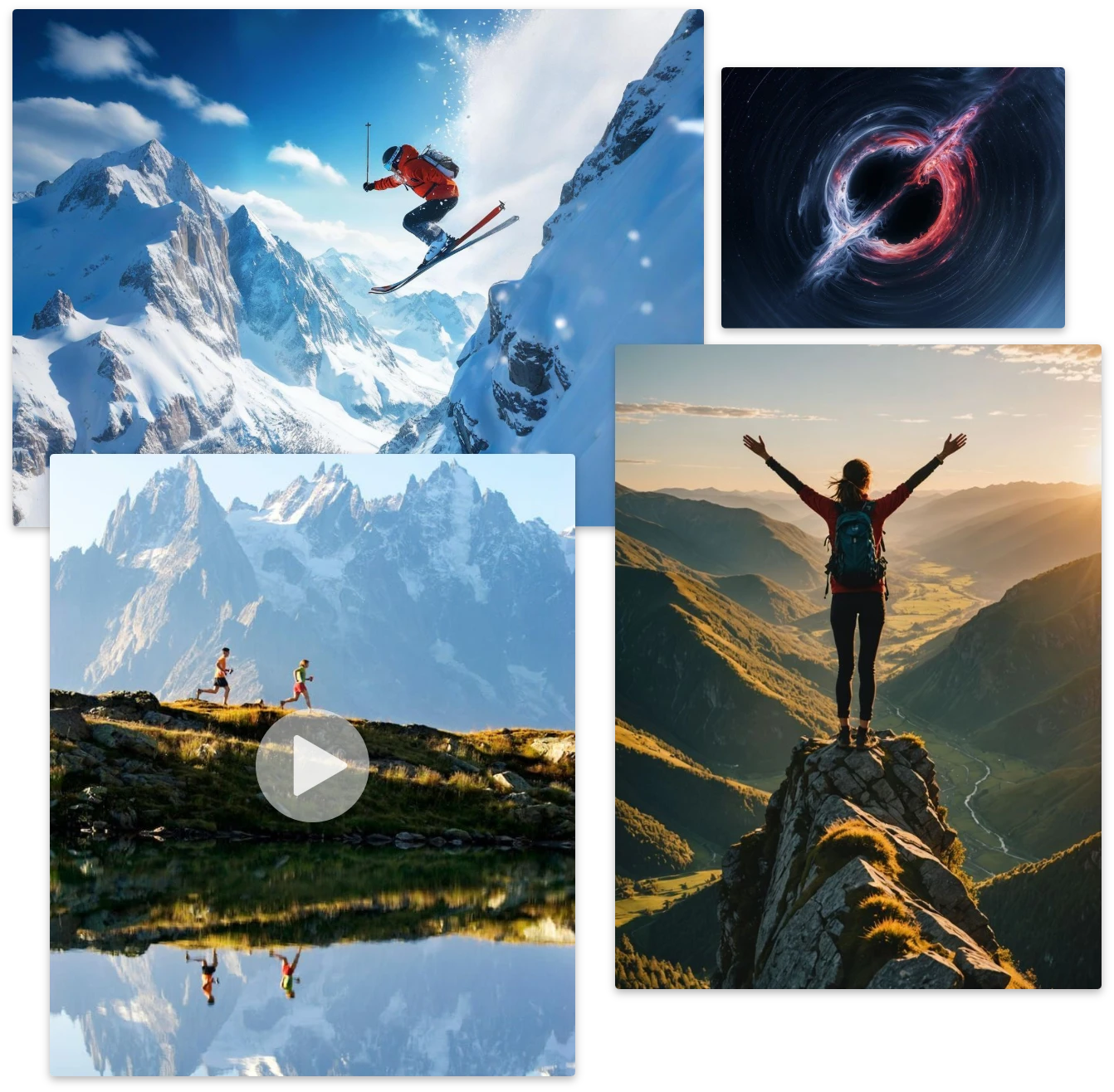
Compare Grok Imagine with ImageToVideo AI
| / | Grok Imagine | ImageToVideo AI |
|---|---|---|
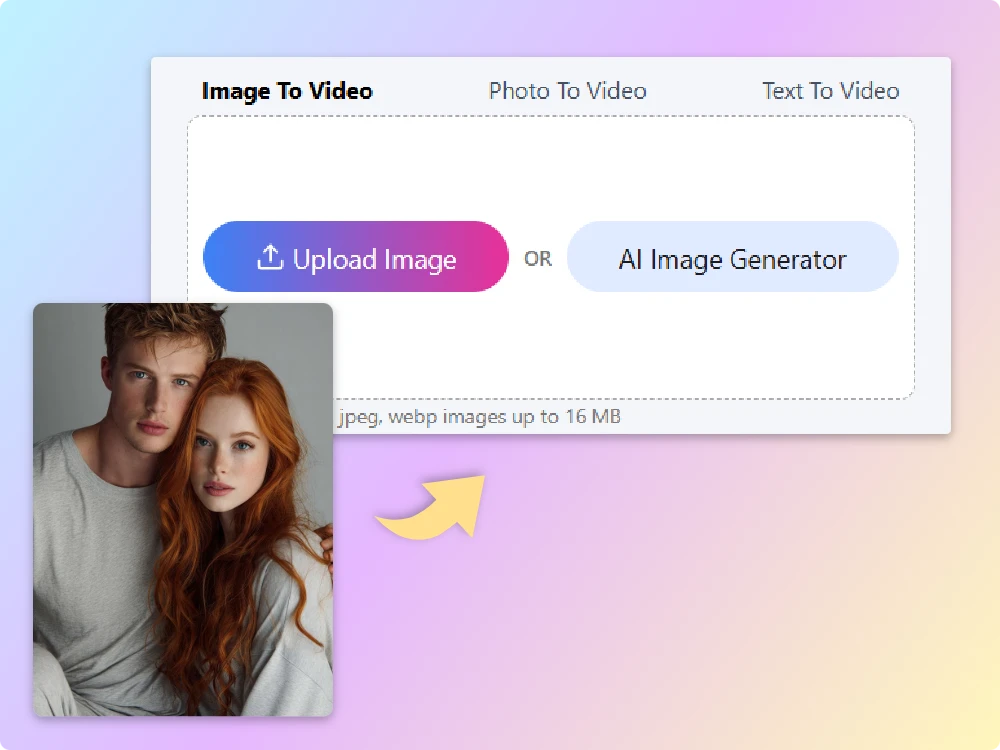
| Input Formats | ✅JPG, PNG, WebP. Image upload required with optional text prompt. | ✅JPG, PNG, WebP. Supports prompt input plus optional image cropping. |
| Prompt Control | ✅Strong prompt dependency. Motion direction, camera paths, and pacing rely on detailed textual descriptions. | ✅Focuses on visually rich, dynamic animations suited for reels, ads, and UGC. |
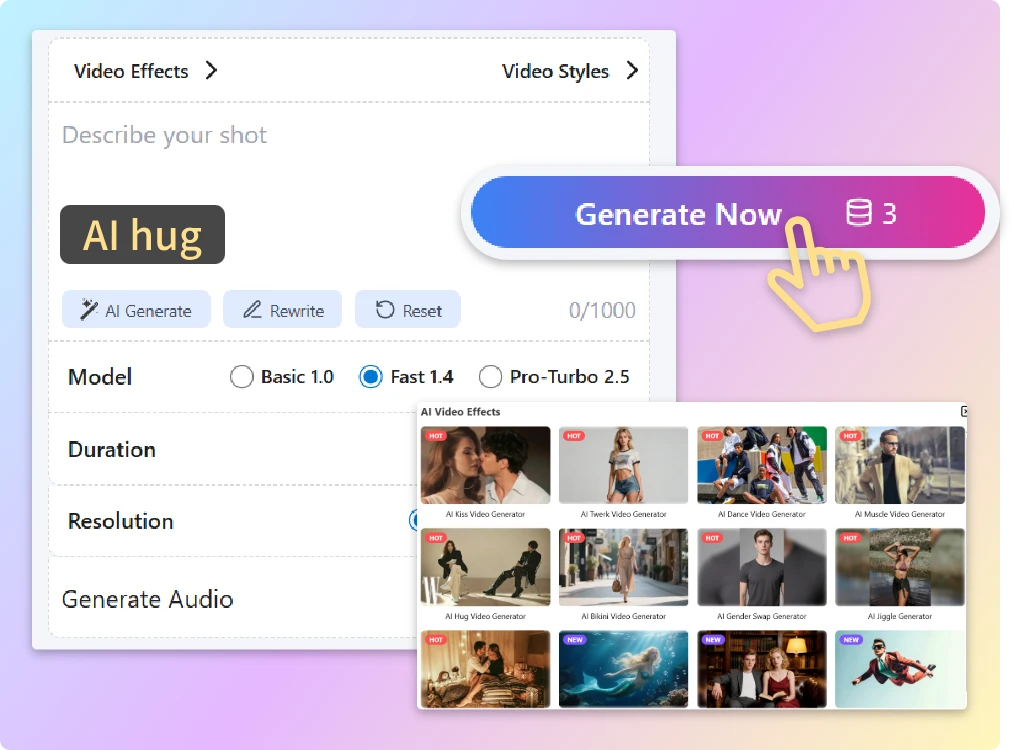
| Templates & Effects | ❌️Relies primarily on AI model behavior and prompt interpretation. | ✅Provides 100+ presets, including dance motions, camera zooms, and social-friendly effects. |
| Ease of Use | ❌️More powerful but requires basic prompt understanding. | ✅Very low learning curve, ideal for fast content production. |
| Pricing | ❌️Limited free usage, subscription-based pricing starting around $15/month. | ✅Free trial available, one-time credit system, as low as $0.3 per generated video. |
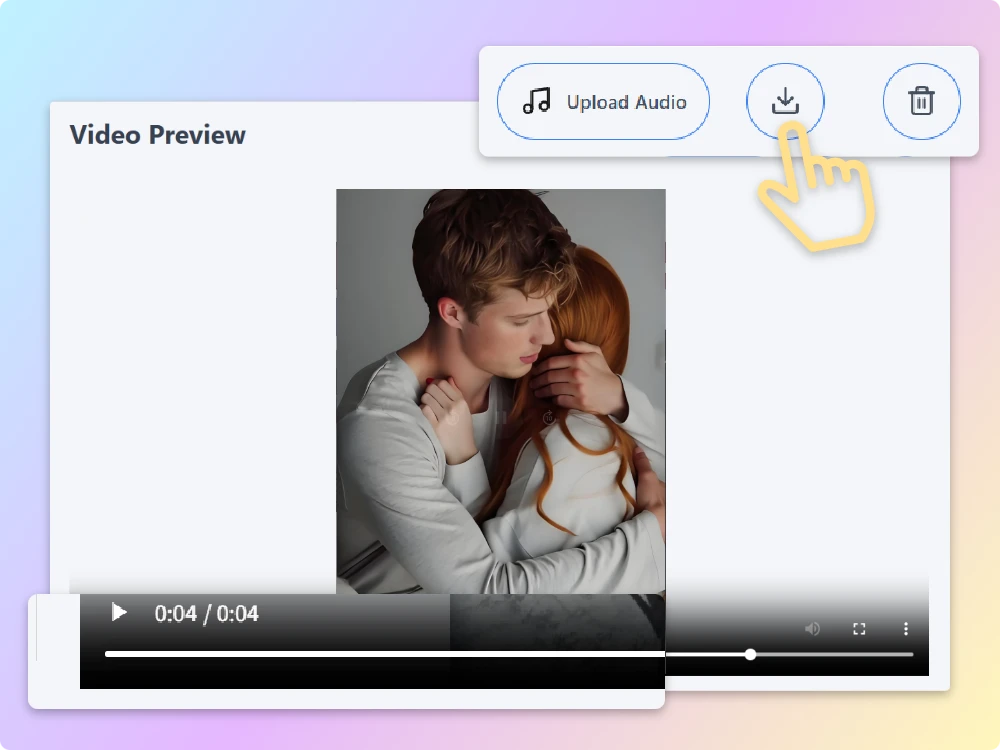
explore More Image to Video AI functions
Emily Carter
Daniel Wong
Sophia Martinez