
Expand Your Videos Seamlessly and Naturally
Extend your videos beyond limits with smart AI.
The AI Video Extender Free tool by ImageToVideo AI seamlessly continues your clips, creating smooth, natural motion that feels infinite and professional.
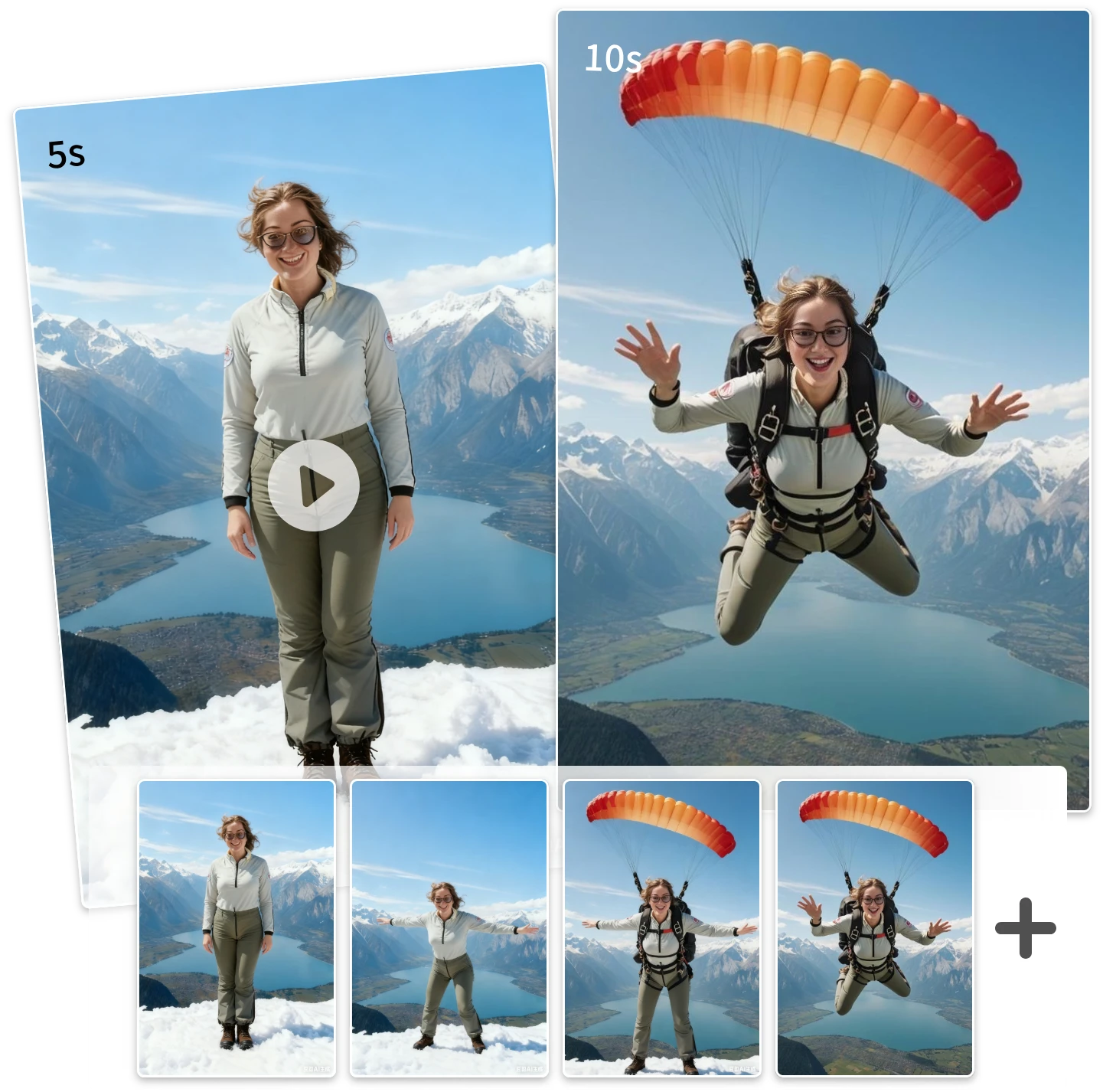
Unleash the Power
Discover How AI video extender Brings Your Clips to Life
Seamless Scene Continuation
AI Video Extender Free predicts motion and camera movement to ensure every new frame blends perfectly into the existing footage.
Preserve Original Quality
No blur, no distortion — AI extend video maintains crisp details, lighting, and textures for studio-level output.
One-Click Workflow
Simply upload your video, set the desired duration, and watch the AI Video Extender Free generate a perfect continuation in seconds.
Save Time & Cost
Skip extra shoots and complex editing. AI extend video handles all the heavy lifting while you focus on creativity.
use case
Why Creators Love AI extend video for Seamless Clips
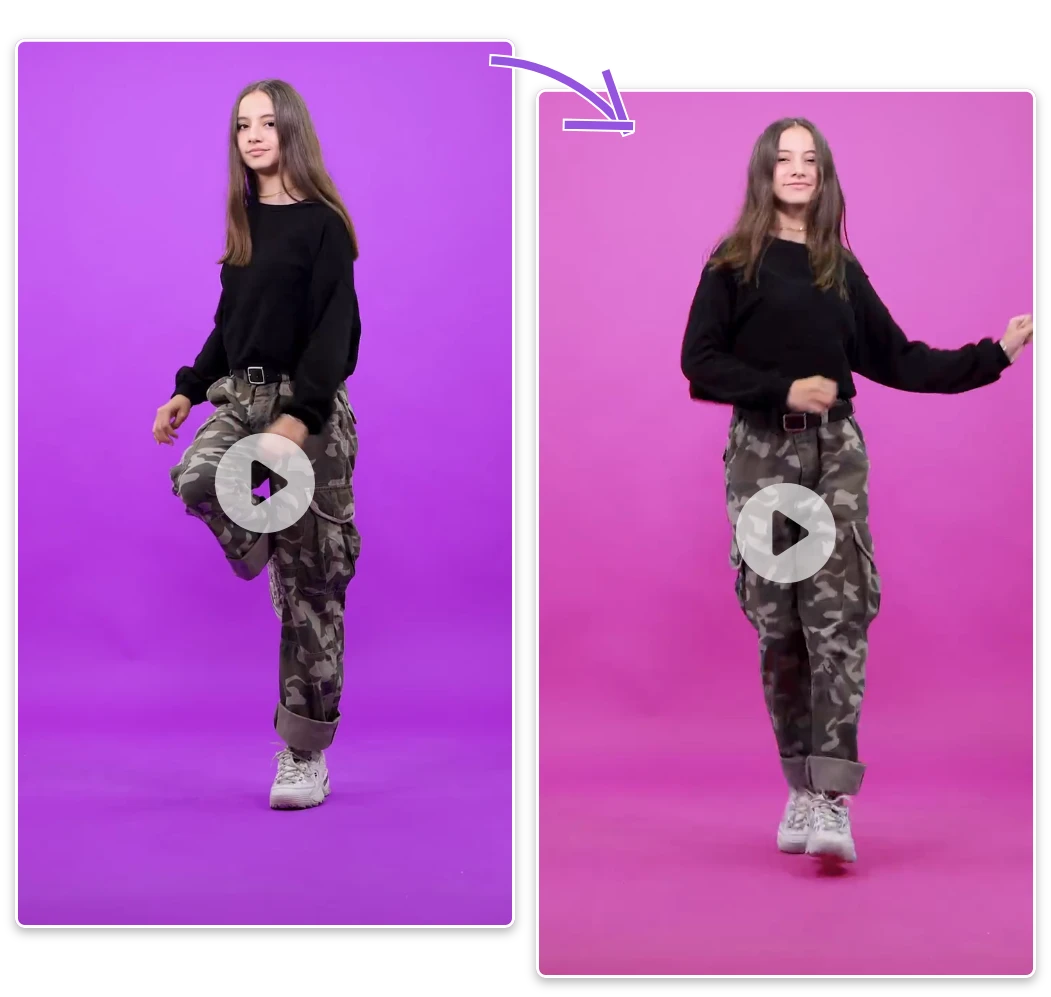
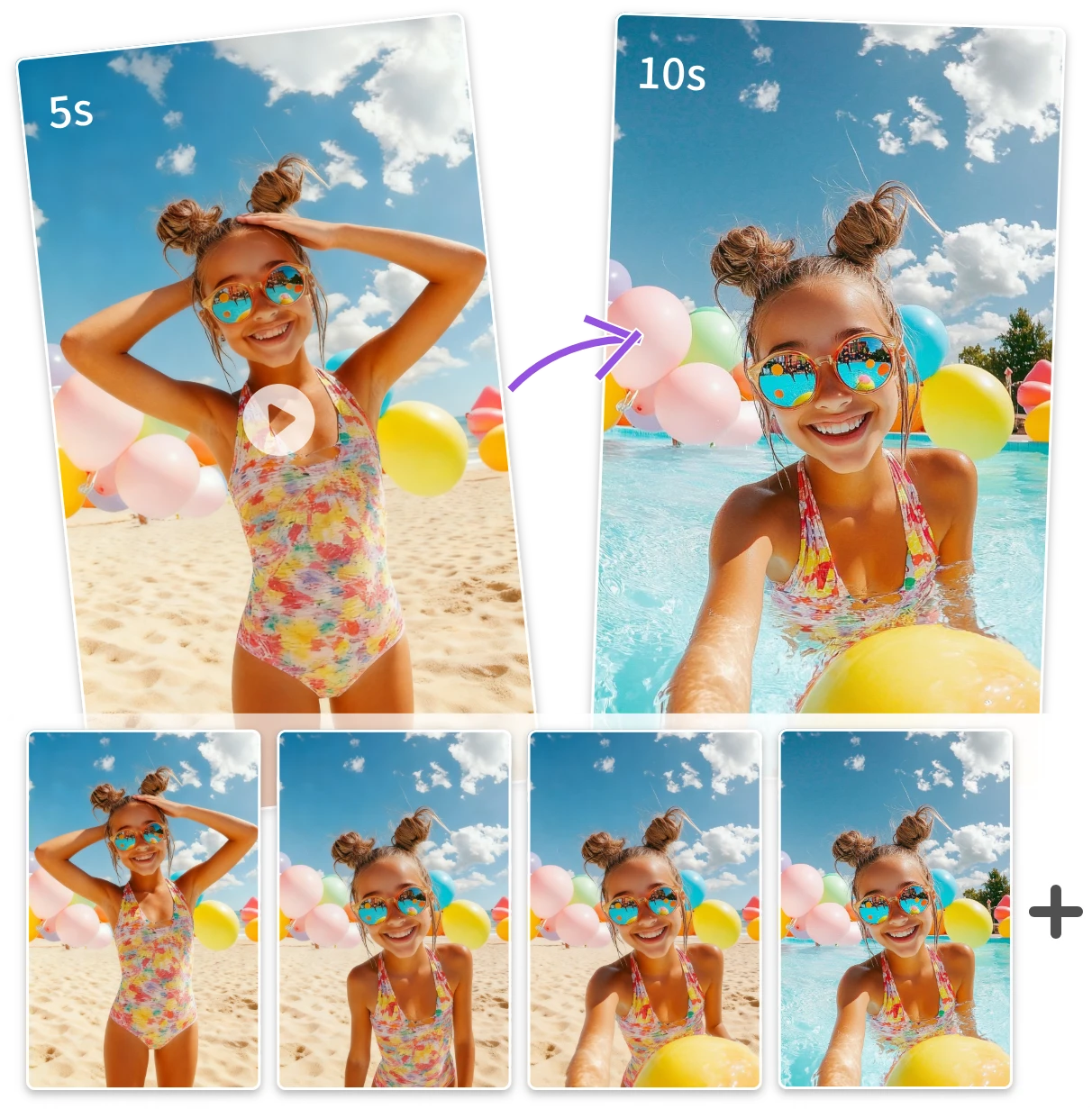
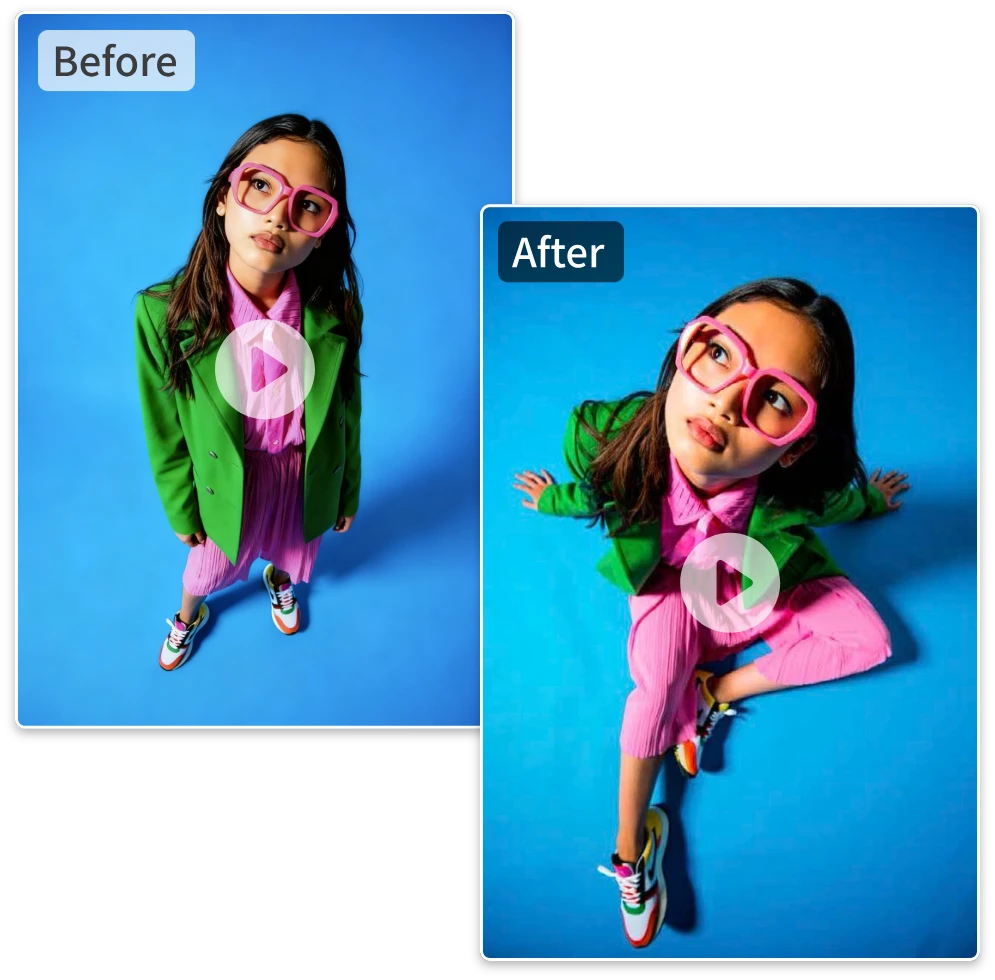
Level Up Game Highlights Using the AI Video Expander Tool
Gamers and creators can use AI Video Expander to extend gameplay or cinematic scenes. Preserve action and atmosphere for immersive extended sequences.

How to Extend Your Video in 3 Simple Steps
01
Upload Your Video
Choose any short video or clip you want to extend.
02
Set Duration
Select how long you want your video to continue.
03
Generate & Download
Preview and export your extended video in HD quality.
Frequently Asked Questions
What is an AI Video Extender Free?
AI extend video uses artificial intelligence to automatically lengthen videos. It predicts new frames that match motion and color, helping you extend short clips smoothly without looping or manual editing.
How does an AI Video Extender Free work?
The AI extend video analyzes your footage frame by frame, generating new visuals that continue the scene naturally. It ensures smooth transitions without visible cuts or repetition.
Can I make my video longer with AI Video Extender?
Yes. Upload your clip, choose how long you want to extend it, and the AI Video Extender Free will expand it automatically — ideal for social videos, ads, or creative projects.
Will the extended part look realistic?
A high-quality AI Video Extender Free ensures seamless, lifelike motion. It understands lighting, motion, and texture, making the new frames look identical to your original footage.
What video formats are supported?
Most AI extend video tools support MP4, MOV, AVI, and WebM formats, including HD and 4K videos for maximum quality and compatibility.
Are there limits to how much a video can be extended?
The AI Video Extender Free performs best when extending videos by 10–50%. Longer extensions are possible, though realism may slightly decrease.
How long does it take to extend a video?
With AI Video Extender Free, short clips process in minutes. Longer or high-resolution files may take a bit more time depending on file size and system performance.
Unlock Creative Possibilities with AI Video Extender Free
Experience the future of effortless video editing with ImageToVideo AI.